
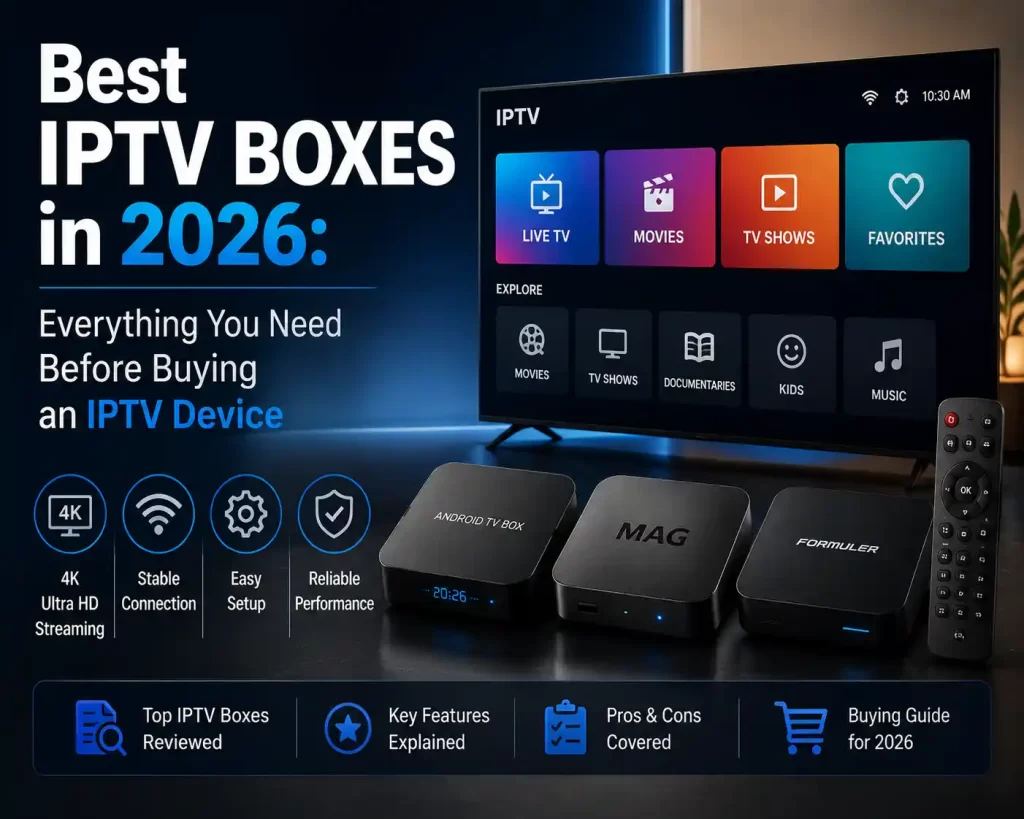
Cable and satellite TV are becoming increasingly obsolete because of IPTV. The latest televisions have become increasingly more difficult, as the system needs to cope with mpeg4/hardware decoding, multiple channels of audio, and intense graphic user interfaces required for rendering EPGs without stuttering or delay. Your choice of a high-end hardware IPTV receiver will define the way your family enjoys their favorite channels and catch-up TV content.
Linux-based set-top boxes which are optimized for portal playback or simply android-based receivers which allow the installation of dozens of third-party apps are both viable options. In this blog, we’ll discuss hardware decoding and analyze the best receivers for IPTV in 2026.
What is an IPTV box and how does it work?
An IPTV box or set-top box is a type of hardware receiver that decodes audio visual signals coming from the Internet. Unlike satellite TV receivers, which relay information received from radio transmitters, or traditional set-top boxes, IPTV boxes operate as miniature computers. Upon choosing a particular television channel or video on demand, the IPTV box performs three primary functions:
1. The network controller receives video data transmitted via Ethernet or WiFi
2. The System-on-Chip processes encrypted bits using CPU cores and graphics processing units
3. Video and audio information is decoded and transmitted via HDMI to the television set
While satellite dishes and conventional cable TV distribution rely on physical wiring, IPTV receivers utilize the viewer’s Internet connection to deliver live programming, regional channels and video content on demand.
Why does a person need a dedicated IPTV box?
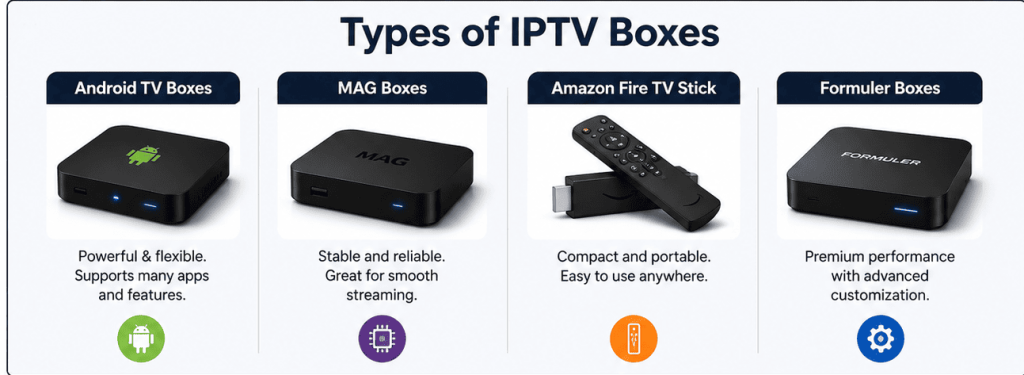
Modern Smart TV sets can be programmed to receive digital content, but a dedicated IPTV receiver delivers much better results in terms of audiovisual performance. An independent IPTV box provides the following critical benefits:
1. Enhanced thermal design and CPU power: Smart TV processors are responsible for operating the television panel, whereas set-top boxes have additional hardware to prevent the device from overheating
2. Wider range of audio and video codecs: Dedicated IPTV receivers decode modern compression standards, including AV1 and support Dolby Atmos audio without latency
3. Portal middleware: Linux-based receivers offer faster portal loading and provide additional features, including Electronic Program Guide (EPG) and catch-up TV
4. Network optimization: Dual-band WiFi and Gigabit Ethernet connectivity allow for uninterrupted SUHD playback
Top IPTV boxes in 2026
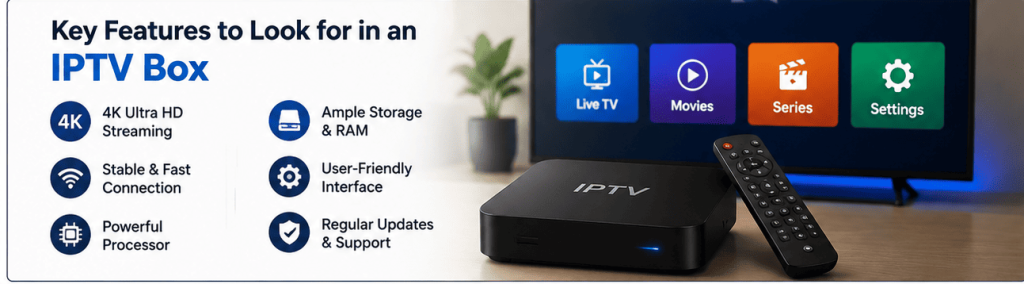
The choice of an IPTV receiver depends on whether the user wants to install third-party apps on a Linux portal device or utilize a more powerful Android-based receiver. Four top-performing set-top boxes are:
MAG555 Android IPTV set top box
The MAG555 Android IPTV box is a powerful multimedia receiver compatible with the most popular IPTV subscription services. This device integrates the flexibility of the Android OS and Infomir portal middleware.
| Feature | Details |
| Pricing | $179.99 USD |
| Operating System | Android OS |
| Resolution | 4K UHD @ 60 FPS, HDR Support |
| Audio | Dolby Digital™ 8-Channel Surround |
| Memory | DDR4 RAM + Onboard Storage |
| Ports | Ethernet, Dual-Band Wi-Fi, HDMI, USB |
Android MAG555 features:
• 8-channel Dolby Digital pass-through: Decode 8-channel surround sound and enjoy SUHD with enhanced home theater audio
• Portal and Android apps: Switch between powerful IPTV portal middleware and Google Play Store apps
• Native HDR support: Improved color depth allows for better contrast and clarity of light and dark scenes
UNIPRO 4.0 Android IPTV set-top box
UNIPRO 4.0 Android IPTV set-top box offers an advanced platform for installing IPTV apps, including Stalker TV middleware. This kind of receiver will be great for anyone that wants a very strong processor along with extra storage capacity for their applications and files.
| Feature | Details |
| Pricing | $129.99 USD |
| Operating System | Android 9.0 |
| Storage | 16 GB Internal (Expandable via MicroSD) |
| Video Output | 4K Ultra HD Support |
| Control | Ergonomic IR Remote Control |
| Network | Fast Ethernet and Wi-Fi |
Android UNIPRO 4.0 highlights:
• 16 GB internal storage: Additional memory allows for storing custom playlists, apps and video files locally
• Easy-to-use interface: An intuitive remote control accelerates navigation and channel surfing
• Custom M3U playlist: Watch favorite channels using personalized or pre-configured M3U playlists
• Compatibility with third-party apps: Access additional IPTV apps and use the receiver as a media center
MAG540W3 4K HD IPTV receiver
The MAG540W3 4K HD IPTV receiver is a powerful multimedia player featuring an efficient Linux-based operating system. This handy device is the perfect choice for those who want to surf the web and watch IPTV movies without extra CPU overhead on a regular Smart TV.
| Feature | Details |
| Pricing | $119.99 USD |
| Operating System | Linux OS |
| Processor | Amlogic S905X2 (ARM Cortex-A53) |
| Video Decoding | 4K 60 FPS, HEVC / H.265 |
| Network | Integrated Wi-Fi (W3) & RJ45 Ethernet |
| Form Factor | Compact, Passive Cooling |
MAG540W3 highlights:
• Fast portal loading: Accelerated channel tuning without buffering during live viewing
• Amlogic S905X2 processor: CPU clock speed is 25% faster compared to similar processors in the MAG540W
• Efficient decoding: H.265-compliant video is rendered without frame drops
MAG544W3 4K IPTV box
MAG544W3 is a more powerful alternative to the MAG540W3 receiver featuring an upgraded graphics processor and advanced Wi-Fi reception. This IPTV box works perfectly for long term without freezing menus and guide windows.
| Feature | Details |
| Pricing | $149.99 USD |
| Operating System | Next-Gen Linux OS |
| Processor/GPU | Amlogic S905X2 with Upgraded GPU |
| Video Codecs | 4K HDR at 60 FPS, AV1 / HEVC |
| Wireless | High-Gain Dual-Band Wi-Fi (W3) |
| Outputs | HDMI 2.1, USB 3.0 / 2.0 |
MAG544W3 highlights:
• Improved graphics rendering: Faster rendering of IPTV portal pages and 4K videos
• High-gain Wi-Fi antenna: Stronger WiFi signal at 5 GHz band without the need to run additional Ethernet cabling
• Optimal thermal design: Increased CPU performance allows for uninterrupted live viewing
Hardware Comparison Matrix
Take this brief overview table as a basis for IPTV box vs IPTV box comparison:
| Device | System | Pricing | Chipset / Memory | Video Output | Best For |
| MAG555 | Android | $179.99 USD | Quad-Core / High RAM | 4K UHD + Dolby | Users wanting Android apps with surround sound |
| UNIPRO 4.0 | Android 9.0 | $129.99 USD | Amlogic / 16 GB ROM | 4K UHD Playback | Viewers who need extra app storage and local playback |
| MAG540W3 | Linux | $119.99 USD | Amlogic S905X2 | 4K UHD @ 60 FPS | Viewers prioritizing quick portal loading and simple menus |
| MAG544W3 | Linux | $149.99 USD | S905X2 + Upgraded GPU | 4K UHD HDR | Homes needing stronger Wi-Fi range and faster UI graphics |
How to Choose the Right Device
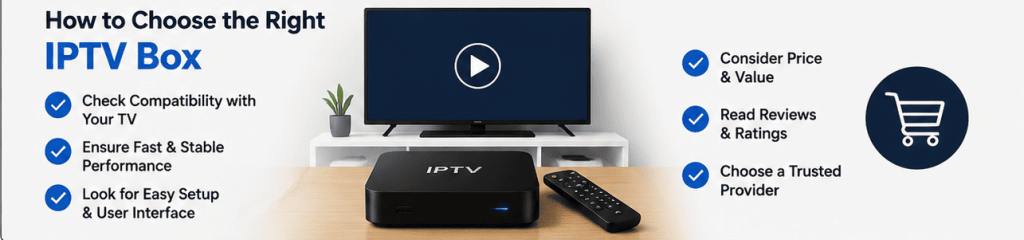
OS: Linux or Android
If you need something to simply turn on your TV, change channels and consult the EPG schedule, then a receiver with a Linux-based OS will be more than enough. We recommend the MAG540W3, MAG544W3 models—they are convenient for watching 7-day catch-up TV and have a good set of built-in Apps.
If you want to watch IPTV on your PC or Mac, or you need it for streaming devices (Google Chromecast, Amazon Fire Stick), or you want to watch additional video content from other online sources—choose an Android-based set-top box. We recommend the MAG555 and UNIPRO 4.0 models.
Internet connection speed
An IPTV service is composed of streaming video files over the internet. To achieve a smooth HD or 4K resolution, your home internet package should include a sufficient upload speed.
- HD (1080p): At least 10-15 Mbps of consistent bandwidth,
- 4K ultra HD: 25-50 Mbps of consistent bandwidth or higher
We suggest using an Ethernet connection to ensure reliability and maximum performance. In case of using Wi-Fi, make sure it is connected to the 5 GHz frequency.
Audio and Video Codecs
We would advise that your set-top box can decode the most recent codecs, such as H.265 HEVC and AV1. These are the current coding techniques that employ highly efficient compression technology for an enhanced visual experience.
Optimize Your Indian IPTV Viewing
When it comes to enjoying sports and other entertainment in the Indian sub-continent, South Asian expats living in America, Europe and Australia are forced to purchase a hardware device that is able to display high-bitrate IPTV streams with low latency. You may want to consider getting a Set-Top Box or an IPTV receiver which offers you everything a cord-cutter experience should be, including:
- Regional channel access: Watch live sports in Hindi and other regional languages.
- Sports streaming in excellent quality: High frame rates allow for smooth on-screen action.
- Catch up on TV shows and news: Watch the latest episode of your favorite series and news channels that air at inconvenient time zones for you.
- Watch movies in local language: Browse thousands of VOD movies and shows featuring subtitles and soundtracks in various Indian languages.
Hardware Checklist
When choosing the best IPTV box for your money, consider which features your provider offers:
- EPG Fast Decode: A speedy and efficient decode would help you load the EPG guide and view thousands of TV channels without any delay.
- Multiple Device Support: Please check with your provider whether you can use IPTV on multiple televisions simultaneously.
- Anti freeze rules: Reputable providers use advanced routing technology to prevent freezes during major sporting events.
- Portal sync: A good IPTV service should be easy to set up on your preferred IPTV box. Look for providers that allow you to simply enter your Mac address or portal URL address from your device’s network settings on Linux receivers or log in to the app on Android receivers.
How to Set up your IPTV Box
An IPTV receiver can be easily configured in a matter of simple steps. Firstly, you need to connect the IPTV receiver to your TV set with an HDMI cable, and then connect its power adapter. Then, configure an internet connection via an Ethernet cable or through the Network settings and connect to the 5GHz network. The final step is to configure portal or application according to your IPTV receiver model:
For Linux MAG: Go to Settings > Servers > Portals and enter the Portal URL for your IPTV subscription.
For Android: Open the app and enter your account information. Change your video resolution to the TV’s maximum allowed resolution.
IPTV Box Maintenance Tips
There are several ways to prolong your IPTV receiver’s life and maximize its performance:
- Regular cache cleaning: For the UNIPRO 4.0 Android boxes and MAG555 receivers, you can clean cache memory once per month from the settings menu.
- Cooling: Ensure that your IPTV receiver stays in an open place, and does not get heated by other heating devices.
- Weekly power off: Unplugging of an IPTV box weekly is advised in order to refresh the memory and reconnect to the internet.
- Router update: Home router’s firmware should be updated regularly.
Final Thoughts
The addition of a dedicated IPTV box in your home entertainment setup will enhance your experience dramatically. For hassle-free portal navigation and blazing fast EPG guide, we recommend going with either Linux-based MAG540W3 or MAG544W3. If you want to enjoy surround Dolby Atmos soundtracks and sideload apps, you may go with a MAG555.
Finally, for the most flexible media storage and decoding, UNIPRO 4.0 is the way to go. Coupled with a great IPTV subscription and a stable internet connection, a high-quality IPTV box will offer you a top-class entertainment experience for years.
FAQs
What is the best speed for an IPTV Box?
Though speed is relative, 10 to 15 megabits per second (Mbps) will suffice for most HD IPTV channels, while at least 25 Mbps is required for 4K UHD.
Can one receiver be used for two or more TVs?
An IPTV set top box can be used for just one TV since it comes with just one HDMI port. If you would like to enjoy IPTV on multiple TVs, you have to purchase new receivers and get the multi-set-top box package.
What are the main differences between Linux and Android boxes?
Linux boxes enjoy a far better portal browsing experience because they offer a web-like browsing experience on the IPTV portal, but the Android boxes support sideloading of other applications and have a variety of online content.
What are the best practices to reduce freezing issues with an IPTV subscription?
The IPTV box has to be connected to the Internet via an Ethernet cable. Should there be any problems with freezing, then it is advisable to use H.265 decoder devices and not to download big files within the local network.
Can I watch any regional channels outside South Asia?
You can view the same regional television stations even when you are not in South Asia. To accomplish this, all you require is an IPTV decoder and an Internet connection.
Are there any warranty options for IPTV receivers?
The IPTV decoders normally have a one year warranty for power supply, parts, and other accessories. This means that you will not have to bother about any technical problem while purchasing from Boss iptv.
Is a Set-top box better than a Smart TV?
A set-top box receiver is much better than a Smart TV since it has a separate graphics card and RAM, which enables it to give out a much better picture and be able to support more applications.
Tags: Best IPTV Boxes in 2026
Recent Comments