
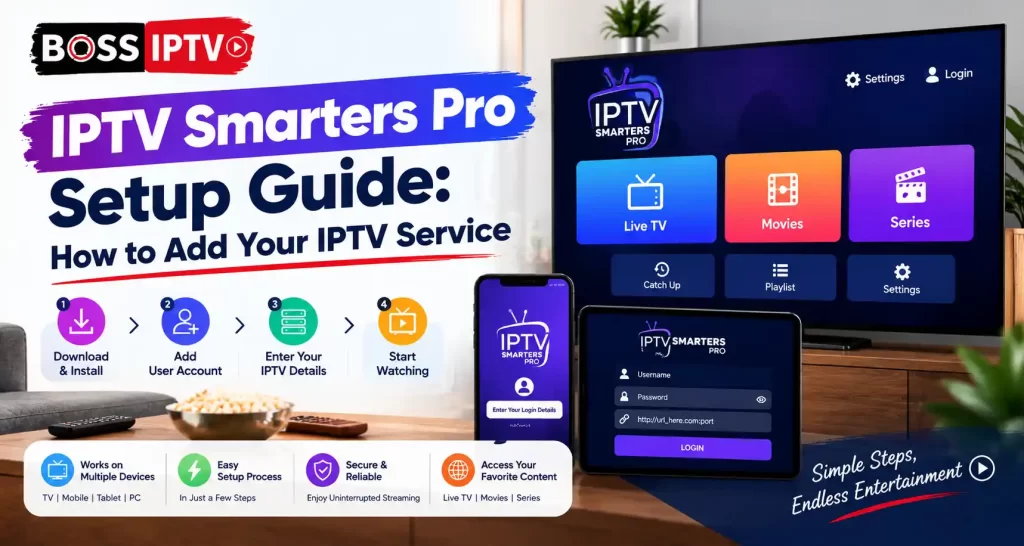
Subscription to the streaming service is only part of the task. To display any content, there must be an app to decode your authorization data and separate the channels from one another. IPTV Smarters Pro is one of the most popular apps for doing this.
In this blog post, we will discuss how to install the app, enter your authorization data and solve the most frequent issues that arise during this process. Most novice users get stuck when trying to log in because of a simple typo, hence the following tutorial should be strictly followed.
What Is IPTV Smarters Pro?
IPTV Smarters Pro is a video player application that downloads content through a user name, password and server URL provided by a content provider. It doesn’t have any channel on its own. It arranges all live TV, movies and TV shows in an easy way to navigate. IPTV Smarters Pro runs on Android, iOS, Windows, Mac, Amazon Firestick and most of the Smart TVs.
Find the Right IPTV Subscription for You
Explore flexible IPTV subscription options from Boss IPTV and choose a package that fits your viewing needs. Get reliable streaming, a wide selection of entertainment and a simple setup for your compatible device.
Explore IPTV Subscription →Choose your preferred Boss IPTV package and start streaming.
Features of IPTV Smarters Pro
- Multiple screen viewing: View on multiple screens if your service provider’s package permits it.
- Programme Electronic Guide (PEG): View schedules of the programmes that will be broadcast later in a grid format.
- Rebroadcasting and Recording: Replay the earlier programme and record selected programmes.
- Parental Controls: Prevent access to selected categories using the PIN.
- Use of external players: Change to VLC or MX player in case there is a buffering problem.
What You Need Before You Begin
- An active IPTV subscription from any reliable IPTV service provider.
- Username, password and server link or M3U link.
- A device which can accommodate both IPTV streaming and internet connectivity.
- Internet speeds of at least 10 Mbps for HD and 25 Mbps for 4K streaming.
IPTV service providers, such as Boss IPTV, send you all these information through your emails after registration.
How to Install IPTV Smarters Pro on Different Devices
| Device | Installation Method |
| Android Phone or Tablet | Download from the Google Play Store |
| iPhone or iPad | Download from the Apple App Store |
| Amazon Firestick | Install the Downloader application and input the official APK file URL |
| Windows or macOS | Download the desktop version from the official website |
| Smart TV | Search the TV’s app store or sideload the APK file |
Download only from official sources. Unofficial copies can be outdated or unsafe.
Step-by-Step Guide to Add Your IPTV Service
Method 1: Login With Xtream Codes API
- Open the application and accept the terms of use.
- Choose “Login With Xtream Codes API.”
- Enter any name in the Any Name box.
- Enter the username and password that you were provided with exactly.
- Enter the server URL along with the port number.
- Click on Add User.
Method 2: Load Your Playlist or File/URL
If your provider gave you an M3U link, choose Load Your Playlist or File/URL instead. Enter a playlist name, paste the link into the URL field and confirm. Large channel lists can take a little while to load.
Choosing the Right Provider
It all depends on the backend of the application. Make sure to request an IPTV free trial before purchase in order to test the quality of the channels, buffer time and the speed of customer support reply. A few days will reveal much more than any commercial can do. Choose an IPTV subscription package that suits your needs and budget best. Such providers as Boss IPTV are evaluated based on their uptime and support.
Common Setup Problems and Solutions
| Problem | Likely Cause | Solution |
| Login failed | Incorrect credentials | Re-enter the details exactly as provided |
| Channels not loading | Weak connection | Restart the router and try again |
| Constant buffering | Low bandwidth or overloaded server | Lower the video quality or change the player |
| Missing EPG | Guide not updated | Refresh the EPG from settings |
Tips for Better Streaming Performance
- Use wired Ethernet connection whenever possible.
- Clear your cache within the application from time to time.
- Update your program once it is available to you.
- Never download files while streaming.
- Reboot the device at least once a week to flush out the memory.
- Use a Virtual Private Network (VPN) whenever your ISP allows you to.
Conclusion
Installation of IPTV Smarters Pro is quick if everything is prepared. The program needs to be installed from a legitimate source and then the login type according to what your provider provided you has to be selected along with your credentials. If you have chosen a good provider and have good connectivity, everything will be neat.
Boss IPTV Near You
Best IPTV service available across these US states
FAQs
What is IPTV Smarters Pro used for?
It is a streaming app which plays live TV, movies and series through a service provider. It does not have any channel on its own and thus, you have to input your login credentials with an existing subscription.
Is IPTV Smarters Pro free to download?
Yes, the downloading of this app is completely free through the app stores. But, there is nothing in this app as well, which means that you need to subscribe to any particular service provider for watching TV.
Where do I find my login details?
Your vendor will send you an email containing your username, password and server URL once you purchase it. In case you are unable to find them, then you should make sure that they have not been sent to the spam folder by mistake.
Can I use an IPTV free trial before paying?
Yes, most of the providers offer a trial period. Make sure to ask for one before purchase and see for yourself whether the service quality, streaming, buffering and customer support is up to your standards.
Why is my playlist not loading?
Possible reasons include incorrect credentials, connection issue or some fault at the provider’s end. Try re-entering your credentials, restarting the router and clearing the application cache.
Can I use one account on multiple devices?
You can install the app on multiple devices; however, the number of streams you can watch simultaneously is determined by the number of screens allowed on the network provided by the service provider.
Recent Comments