
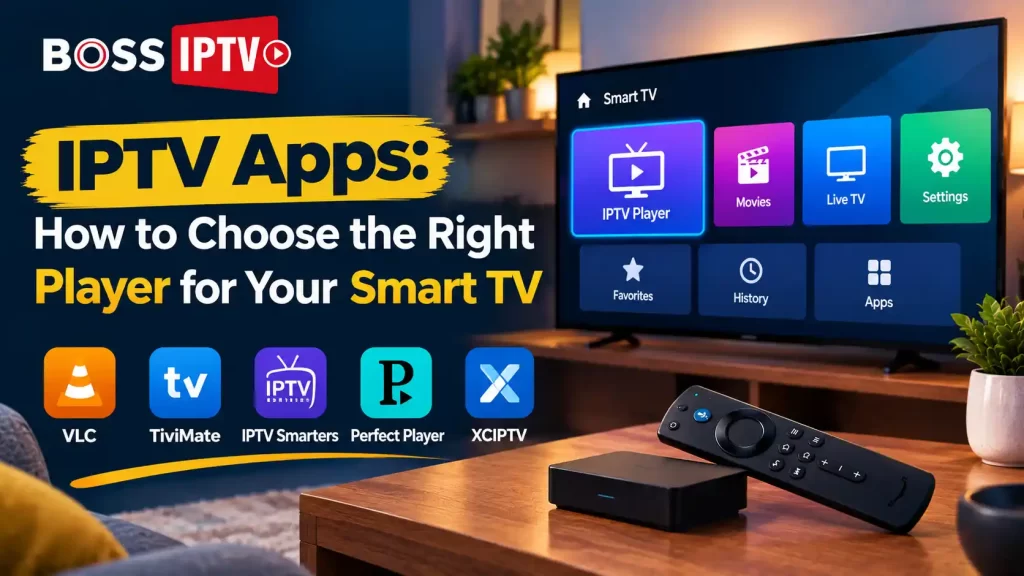
Join any discussion on going without cable and one common thing you will definitely be asked is what application should I really use? IPTV Apps are the link between your subscription and your TV and let me tell you that there is not enough awareness on how crucial they are. Choose the wrong one and even the best IPTV service provider can be difficult to use, choose the right one and everything just falls into place. Here’s what really matters.
What Are IPTV Apps and Why Do They Matter?
An IPTV app is like the mediator between your IPTV subscription and your TV remote control. It gets rid of your need for satellite dishes or a cable box, since the app simply delivers your channels and on-demand programs through the internet into one interface.
That’s where things can get overlooked; the app you choose is almost as important as the IPTV Subscription itself. It may be a buggy app that buffers, crashes or buries your chosen channel under three layers of complicated menu choices – even if the subscription itself is good quality. That’s why you need to think about the app first.
Boss IPTV Near You
Best IPTV service available across these US states
Factors to Consider Before Choosing an IPTV Player
1. Compatibility with Your Smart TV
Android TV, Samsung Tizen, LG WebOS, Fire TV, Apple TV; all of these have their own application store and not all players are available in all of them. First of all, see if they are compatible. Otherwise, installing an application your TV can’t support is one sure-shot way of having a malfunctioning application.
2. User Interface and Ease of Navigation
For your grandparents or children who may use the remote control, the user interface should be comprehensible at once. A good interface will have a channel guide, an active search tool and menus which don’t need any manual to understand.
3. Stability and Streaming Quality
This is the one that makes or breaks the experience. A player that buffers during Sunday night prime time isn’t worth keeping, no matter how nice its layout looks.
4. EPG (Electronic Program Guide) Support
A proper program guide — the kind that shows what’s on now and what’s next — makes streaming feel closer to the cable experience people grew up with. Skip an app without one and you’ll be guessing at schedules.
5. Multi-Screen and Device Support
In case there is more than one television set that requires the application to run, make sure that it supports streaming simultaneously without disconnecting one by the provider.
Popular IPTV Apps Compared
| IPTV App | Best For | Key Feature | Platform Support |
| IPTV Smarters Pro | General use | Simple interface, EPG support | Android, iOS, Fire TV, Smart TV |
| GSE Smart IPTV | Advanced users | Multiple format support | Android, iOS, Windows |
| Boss IPTV | All-in-one setup | Bundled app with subscription | Android, Fire TV, Smart TV |
| TiviMate | Customization | Advanced EPG, catch-up TV | Android TV, Fire TV |
| Perfect Player | Lightweight streaming | Low resource usage | Android, Smart TV |
Boss IPTV comes packaged with its own media player, which is something to consider should you prefer not to search for and set up your own player.
Setting Your IPTV App: Step by Step
- Pick a dependable IPTV Service with a track record of decent uptime
- Grab an app built for your Smart TV’s specific operating system
- Enter your M3U playlist link or Xtream Codes login
- Let the app pull in your channel list and program guide
- Flip through a few channels across different genres before settling in
- Tweak buffering settings if playback still feels rough
Why a Free Trial Matters When Choosing an App
Do not finalize plans for the whole year without ensuring that the app and your TV are compatible. With an IPTV Free Trial, you can have a safe way of knowing how well the streams will work on your specific television and what kind of performance you can expect from the application. Otherwise, you might end up buying IPTV subscriptions that are incompatible with your TV.
Common Mistakes to Avoid
- Using the look of the app rather than the way it performs
- Thinking an app will run on any Smart TV platform
- Paying without first trying it out for free
- Not checking if there is support if a problem arises
- Using an outdated app that has been discontinued
Final Thoughts
The application between your subscription and your screen determines the nature of the entire experience – more than people can imagine. The focus should be placed on compatibility, stability and the correct guide to the program because that is how you will stay away from most troubles of bad players.
No matter whether you get an individual application or a bundle of applications, you can test it before making any commitment to the player.
FAQs
What is the best type of IPTV app for beginners?
Beginners do best with simple, straightforward IPTV Apps that include built-in EPG support and don’t demand much manual setup. Apps bundled directly with a provider’s subscription tend to be the easiest starting point for first-time users.
Can I use the same IPTV app on multiple devices?
Usually, yes — most IPTV Apps allow multi-device use, though it depends on how many simultaneous connections your plan permits. Check with your IPTV Service beforehand so you’re not caught off guard when a second stream won’t load.
Do I need special hardware to run IPTV apps on my Smart TV?
Smart TV’s generally have an inbuilt application store that allows them to install IPTV apps without any additional hardware. Some old models might need Fire TV Stick or Android TV Box.
Why does my IPTV app keep buffering?
Buffering is due to slow internet connection, server overload or incompatible applications. Make sure that your internet connectivity is okay, close all other applications and check your IPTV subscription server’s status before delving into the application’s settings.
Is it necessary to try an IPTV free trial before subscribing?
It’s a smart move. An IPTV Free Trial lets you confirm the app runs well on your device before you pay for anything. It’s a small step that saves you from committing to a service that underdelivers on your setup.
What makes Boss IPTV different from other apps?
Boss IPTV comes with its own pre-configured player, which is included along with the subscription. This plug-and-play system will appeal to those who don’t want to go through the hassle of configuring an IPTV application separately.
Recent Comments